Single users
Professionals who need device, email, and cloud account protection.

AI onboarding included Every plan comes with free AI-guided setup — we walk you through deployment, step by step. No IT team required. See how it works →
What ResistCyber is
Productized Microsoft Defender protection for teams that need strong security but aren't ready for a full managed-IT contract — understandable, deployable, and supportable.

Who it is for
Small teams use the same cloud email, devices, documents, payment flows, and customer systems as larger companies. The risk is real even when the team is small.
Professionals who need device, email, and cloud account protection.
Owners who control money, access, customer data, and business-critical systems.
Teams moving fast that need protection without slowing down operations.
Small groups that need a clear security stack before they need full managed IT.
Why it matters
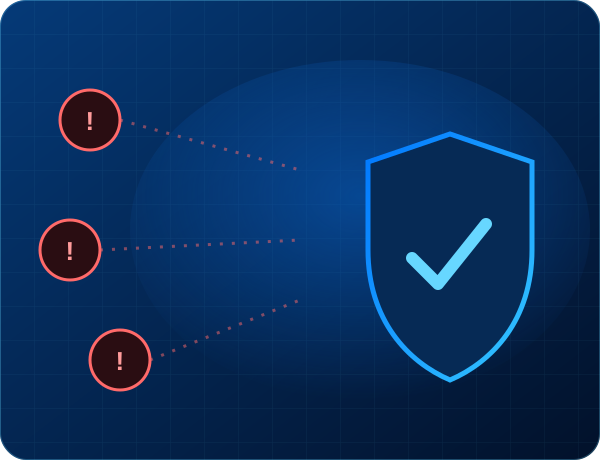
Email compromise, stolen passwords, infected endpoints, ransomware, and weak recovery planning can damage small organizations quickly. ResistCyber focuses on the controls that reduce the most common risks first.
Cloud accounts and email inboxes are high-value targets.
One infected workstation can disrupt the whole business.
Founders and finance users are often directly targeted.
Backups matter most before an incident happens.
How sign-up works
Choose a package and buy online. You get a receipt and your RMM agent by email, then your setup packages deploy automatically — no waiting on a sales call. And you're never on your own: every plan includes a guided, AI-assisted onboarding that walks you through every step.
Pick your package and check out securely online. Instant receipt by email.
We email your ResistCyber RMM agent to install on each device.
The RMM pushes your setup packages automatically — protection deploys itself.
Included with every plan
A guided, step-by-step setup with a live progress tracker and an onboarding assistant that answers your questions in real time. No IT team, no guesswork — take a look at exactly what your setup will feel like.
Preview your onboarding →Request setup
Send your current user count, device count, Microsoft 365 or Google Workspace status, and whether you need self-managed protection, support blocks, or full managed IT guidance.
Send a note and we'll get back to you — or, ready to buy, sign up online.